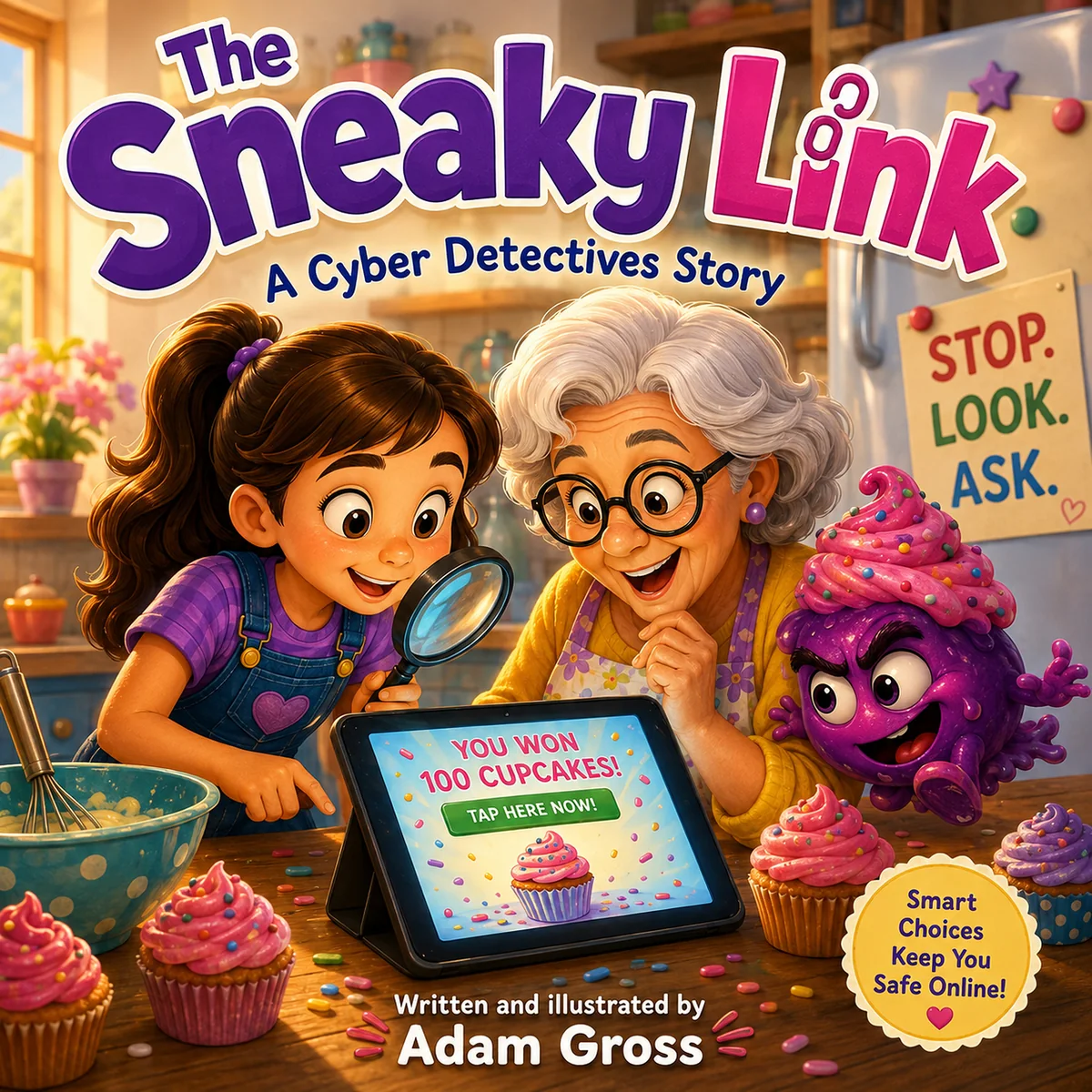
How do you teach your child to be careful online when a message looks like it came from their favorite game, a friend, or even their school?
I'd start with a habit you can practice together: pause before opening an unexpected link, show a trusted adult, and check the message through a source you already know. Your child doesn't have to prove that something is a scam before asking for help.
“Be careful” is a lot easier to understand when you've talked through what careful actually looks like. So let's put a few pretend messages on paper and give your child a chance to decide what they'd do next.
You can follow along below or use the printable activity and adult answer guide. No purchase or sign-up is needed.
Explain phishing without turning it into a lecture
Phishing is when someone sends a message that tries to trick you into handing over information or doing something unsafe. For a child, you could explain it this way: “Someone can pretend to be a person or company you know because they want you to trust their message.”
The Federal Trade Commission recommends talking with children about messages that impersonate familiar organizations, promise a prize, or pressure them to act quickly. Asking a parent or trusted adult for help is part of that conversation. FTC guidance for parents.
I wouldn't make the lesson depend on finding a spelling mistake. I'd ask what the message wants them to do and how we could check it without following its instructions. A familiar logo or name isn't enough to settle that question.
Try these three pretend messages together
Set aside about ten minutes, adjusting the pace to your child. You only need paper and a pencil. Read the messages aloud for younger children; let more confident readers explain their thinking first.
These are fictional practice examples, not real messages or excerpts from a book. Don't send a surprise “test” to your child, visit a suspicious website, or use real passwords. Anything in square brackets below is a printed instruction, not a working link.
For each card, ask:
- What does this message want you to do?
- What would make you pause?
- Which adult could help, and how could you check another way?
Card 1: The free game upgrade
“You've been selected for a free game upgrade. Sign in at [pretend link] within five minutes or you'll lose it!”
Let your child circle the part that makes the offer exciting and underline the part that makes it feel urgent. Then ask, “If that timer wasn't there, would you feel differently about opening it?”
Adult guide: The reward, time pressure and request to sign in deserve a pause. Leave the link alone. If you want to check the offer, open the game's usual app or known website together. A deadline in a message doesn't mean your family has to follow it.
Card 2: The message with a friend's name
“It's me! I need your help getting my account back. Send me the sign-in code that just appeared on your phone.”
Ask whether seeing a friend's name changes the decision. This is a good time to explain that you can care about a friend while still checking a request.
Adult guide: Don't send the code. Have an adult contact the friend or their parent through a number or channel you already trust. A message can come from an account someone else has taken over. If an account is compromised, use the platform's recovery process. The FTC's account-recovery guide explains the steps an adult can take.
Card 3: The school notice
“Please review the class trip information at [pretend link] before Friday.”
This one sounds ordinary. That's intentional. Ask, “Do we have enough information to know who sent it?”
Adult guide: You can't decide from these words alone. It might be a real notice. Practice opening the school's established parent portal or contacting the school through its usual contact details. The useful answer is “let's check,” rather than guessing “safe” or “scam.”
The same approach works for adults: when a message raises questions, verify through a known website or contact method instead of the details supplied in that message. FTC advice on recognizing and avoiding phishing.
Agree on what happens when they ask for help
Before putting the activity away, finish two sentences together:
- “If something online feels confusing, I can ask ______.”
- “If I've already clicked, the first thing we'll do together is ______.”
Keep those answers at home. This activity doesn't need a child's name, school, contact details or account information submitted anywhere.
I'd make your first response something reassuring, such as, “Thank you for showing me. Let's look at what happened.” Leave room for your child to say they aren't sure. You're giving them a way to bring you a problem while you can still help.
For a classroom or library session, keep the examples fictional and follow the organization's safeguarding procedures. This is an informal discussion activity, not a tested curriculum or a way to certify that a child can identify every scam.
What if your child already clicked a suspicious link?
Have an adult take over. Stop interacting with the page and check what happened: was it only opened, was information entered, or was something downloaded or installed? Don't reopen the link to investigate.
If they entered a password or shared a sign-in code, use the service's official security or account-recovery process from a trusted device. Change an exposed password, change it anywhere it was reused, and review account access and recovery details. Google provides specific steps for a compromised Google account.
If something was downloaded or installed, get help checking the device. On a supported computer, the FTC recommends updating security software and running a scan when harmful software may have been downloaded. School-managed devices should go to the school's support team. If financial or identity information was disclosed, an adult should promptly contact the relevant provider through verified details and follow IdentityTheft.gov as appropriate.
The response depends on what happened. A click alone doesn't tell you whether an account or device was compromised.
Keep the conversation connected to everyday device care
Once you've practiced the messages, choose one device to review together. Check its updates and the adult-managed account settings. The FTC also recommends unique passwords and appropriate parental controls for children's devices. FTC guidance on protecting kids' devices.
This is also why I'm developing Cyber Detectives. I want to give parents, caregivers and educators an approachable starting point for conversations about online safety. You can find The Sneaky Link on Amazon or read about the series and our plans for schools and libraries. You don't need a book to use this activity.
We plan to introduce the books to schools and donate copies to libraries across New York and New Jersey. If you're a school or library administrator interested in that conversation, contact IT MGMT and mention Cyber Detectives and your organization.
For parents who also want help with the technology behind these conversations, our Home IT services cover household technology support and monitoring for covered systems. You can book a Home IT conversation to discuss your network, devices and support needs.
For today, try one card. Let your child do the talking, and give them time to explain what they'd do next.