

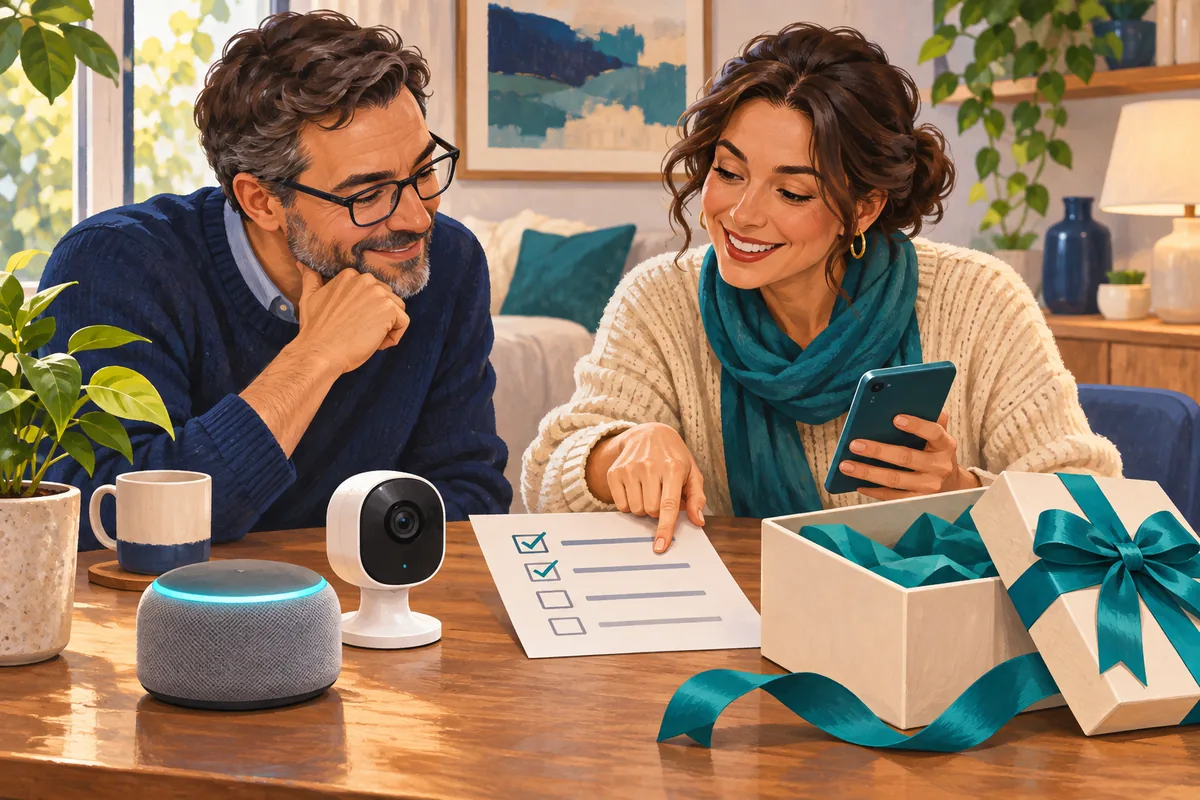
A smart speaker, doorbell or camera can make a thoughtful gift. Before buying one, check that the person receiving it wants it, can use it in their home and will control its account. Agree who pays any ongoing fees and who helps when something stops working. Those details matter as much as the features on the box.
You do not need to become a home automation expert to make a good choice. A short conversation and a few checks of the exact model can prevent a gift from turning into another account, bill or support job that someone did not ask for.
Start with the person, then choose the device
Ask what they would actually find helpful. Hearing a timer across the kitchen is a different need from checking who is at the front door. A camera or microphone in the home also deserves a conversation about where it will go and who can access it.
For cameras, the Federal Trade Commission recommends checking security features and considering privacy, including whether remote viewing is appropriate for private spaces. Our practical recommendation is to agree on placement and sharing before buying, rather than making those decisions during setup.
Then check the product's requirements against the recipient's home: a compatible phone, an app, a separate hub, a suitable power connection or a particular wireless network. The National Cyber Security Centre's smart-device guidance recommends checking minimum requirements and the manufacturer's support period before purchase.
Let the recipient control the account
It is tempting to set everything up with your own email address so the gift works immediately. That can leave the recipient dependent on your login, recovery codes or billing account later.
Where the product supports it, help the recipient create or use their own account and recovery details. Let them enter their password privately. If you will help afterward, use the manufacturer's supported sharing options and only the access you need.
Account roles are not interchangeable. For example, Ring reserves subscription management and certain deletion controls for the owner. A shared user does not automatically have all the owner's controls. Other brands have different rules, so check the exact product instead of assuming every invited family member becomes an administrator.
If you are passing on a device you already own, the separate smart-home handover checklist covers the account-transfer questions to work through.
Check three different limits
“Does it work offline?” is only one question. Before buying, ask what happens in each of these situations:
| Situation | What to confirm for the exact model |
|---|---|
| The subscription ends | Which features remain, including recorded history, alerts or sharing? |
| The internet or cloud service is unavailable | Can the household still use local controls? Are remote viewing, notifications or recordings affected? |
| Household power fails | Does the device have usable battery backup? Do the router, hub or other required parts still need power? |
These answers can differ even within one brand. Google's explanation of Nest video storage describes model- and subscription-dependent recording, along with offline buffering on certain supported models while they remain powered. Buffering does not mean every camera offers an accessible local archive, and it does not make a device work after its power is gone.
For a gift, avoid making remote access or recordings sound guaranteed. Choose around what the recipient needs and the limits they can comfortably accept.
Use this short buying checklist
Before checking out, write down:
- Purpose and placement: What will it help with, and has the recipient agreed to where it will go?
- Compatibility: What phone, network, hub, wiring or other equipment does this exact model require?
- Account ownership: Who controls the login, recovery methods, billing and invitations?
- Ongoing cost: Which desired features require payment, who pays, and what happens when any trial ends?
- Support life: Until when does the manufacturer promise security updates for this model? If that is unclear, ask before buying.
- Failure limits: What still works without a subscription, internet access or household power?
- Help afterward: Who will install updates, review sharing and help with problems?
A discounted older model deserves the same checks. A low purchase price is less helpful if the device is close to the end of its supported life or needs additional equipment that was not in the budget.
Give a useful gift with a manageable setup
Keep the receipt and the model information together. Agree on a setup time, enable available security updates and two-step verification, and review who has access. A simple note about the subscription and support arrangements is more useful than leaving the household to discover them later.
If the recipient would prefer help choosing or setting up household technology, IT MGMT's Home IT support is a useful place to start. Book a Home IT conversation about the household's needs, existing equipment and practical next steps.