
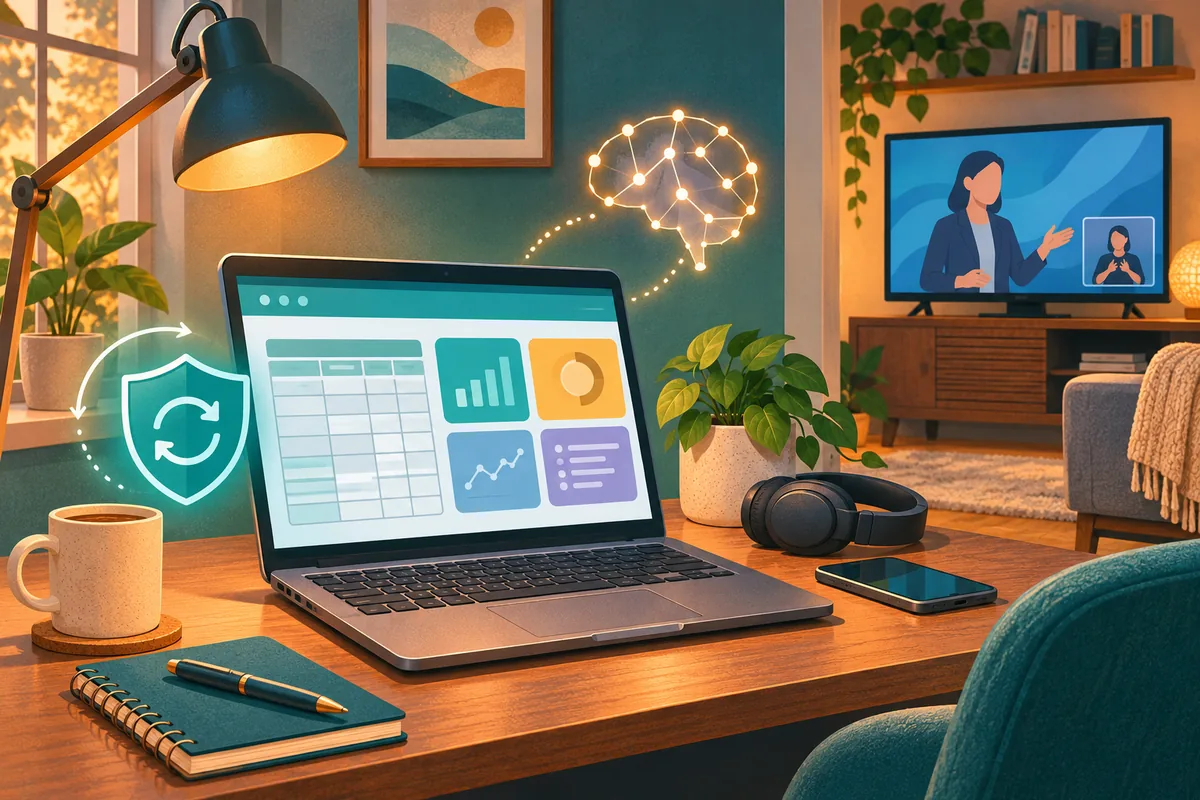
The useful technology news this week comes down to a few everyday decisions: who can see a dashboard, whether a computer finished updating, when a more capable AI tool is worth testing, and whether a streaming feature works for the person watching.
Google is adding a new way to share Sheets dashboards, Microsoft released its November Windows security update, Gemini 4 Carbon is reaching more users, and Apple announced sign language interpretation for selected Apple TV titles. Here is what I would check before putting any of those changes to work.
This recap covers the seven days ending November 13, 2026, at 2:10 a.m. Eastern. Availability statements reflect that cutoff, including announcements about features scheduled to arrive later on Friday.
Google Sheets dashboards get their own sharing links
On November 11, Google announced that a Sheets canvas can be published through a standalone link. Canvas turns spreadsheet information into interactive views such as dashboards and calendars. The new link lets someone use a read-only view without receiving access to the entire source spreadsheet.
There is an important detail: the published canvas has its own audience setting. A restricted source spreadsheet does not automatically mean the published view has the same audience. Publishers can also choose automatic updates or a static view.
This is a web feature for eligible accounts, including Workspace Business Standard and Plus. Rapid Release rollout began November 11; Scheduled Release is due to begin December 2, with each rollout taking up to 15 days. Existing Drive publishing controls still apply. Google’s announcement explains the availability and controls.
My suggested first test: use a small internal tracker with non-sensitive sample information. Open the published link as an intended viewer, check every visible field, and assign someone to review it when the underlying spreadsheet changes. A convenient link still needs an owner.
Check that November’s Windows update actually finished
Microsoft released KB5132061 on November 10 for Windows 11 versions 25H2 and 26H2, plus Enterprise and Education editions of 24H2. Alongside security updates, its release notes describe fixes involving older USB audio devices, adding certain network printers and Remote Desktop certificate handling. Microsoft lists the affected editions, builds and current guidance here.
For a business, the useful question is whether the update completed on the computers people depend on. A downloaded update and a finished installation are different things.
Check with whoever manages your updates: which devices are covered, which still need a restart, and whether any installation failures remain. After the planned restart, have someone confirm the printer, audio equipment and remote connection they actually use still work.
If a machine repeatedly fails to update, save the error message and use the current Microsoft guidance or your support provider. Avoid trying a collection of unrelated fixes from search results. Managed workplace computers should stay within the organization’s update process.
Gemini 4 Carbon expands access, but start with one job
Google’s November 10 announcement expands Gemini 4 Carbon beyond its earlier limited release. Google says paying developers and enterprises can access it through the Gemini API in AI Studio and Gemini for business, with access also rolling out to Google AI Ultra subscribers across specified products. Some related capabilities, including Antigravity’s /swarm feature, remain previews. See Google’s availability announcement.
That creates another option for teams considering more involved AI work. It does not establish that every business needs another subscription or that a new model will improve every task.
My suggested test: choose one approved, repeatable job and compare the current process with the new option. Count the time spent checking and correcting the result, not just the time it takes to generate an answer. Check source accuracy, permissions and total usage cost as well.
For an AI agent that can take actions, decide where a person must approve the next step. Better answers do not remove the need to control what a tool can change. Our AI automation services cover adoption and integrations around the work a business actually needs done.
Apple TV adds a sign language option for selected films
Apple announced on November 10 that sign language interpretation would debut November 13 in the Apple TV app. The announced starting titles are Being Heumann and F1, with American Sign Language and British Sign Language options. Additional titles are planned later. This is support for selected content, not the entire catalog. Apple’s announcement includes the supported software requirements.
The feature requires version 27.2 or later of the listed Apple operating systems, or a supported third-party device with the latest Apple TV app. At this recap’s early-morning cutoff, November 13 availability is an announced launch date, not something we have verified on a household’s device.
Before planning a movie night: check the actual TV or device, app version and title. Ask the person watching which language and format they prefer, then confirm the option appears. Captions and sign language interpretation meet different viewing preferences; one should not be assumed to replace the other.
Four checks to finish the week
| If this applies to you | A useful next step |
|---|---|
| Your team shares spreadsheet dashboards | Verify the published audience and visible fields with a viewer account. |
| Your business manages Windows PCs | Confirm installation and restart status, then check everyday equipment. |
| You are evaluating a new AI tool | Compare one approved task, including review effort and usage cost. |
| Someone at home wants sign language interpretation | Confirm the device, app, film and preferred language together. |
You do not need to adopt every announcement. Pick the change that solves an actual problem, check the conditions, and make sure someone owns the follow-through.
IT MGMT supports both Google Workspace and Microsoft 365 setup, migrations and ongoing support. If these changes raise a question about your business systems, book a conversation. For help with household technology, use our Home IT booking option.