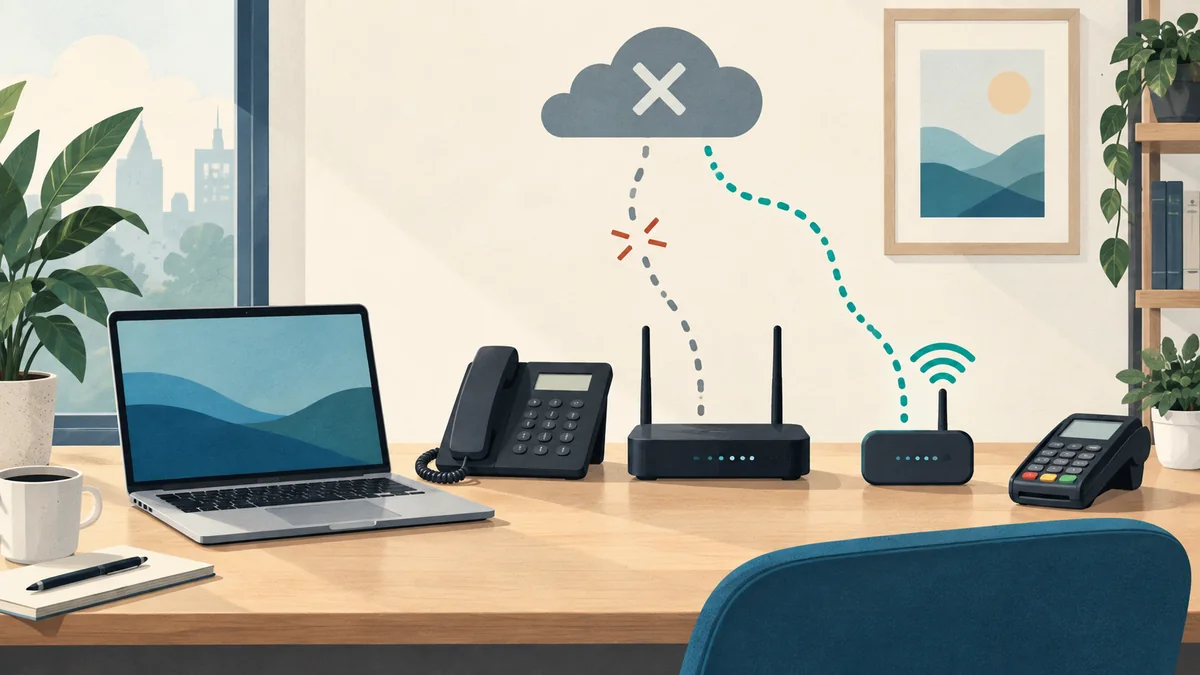
An office internet outage can interrupt cloud files, business calls, scheduling and payments, even when every computer still has power. A useful backup plan starts with the work your team must finish: choose those tasks, give each an approved fallback and test it before an outage. Buying a second connection is only one part of that plan.
For a business with 5–100 users, I would start with a simple question: if the connection stopped working during your busiest hour, what would you need to do next?
“Get everyone back online” is a reasonable goal. “Answer the main phone number, see today's appointments and finish a customer transaction” gives you something specific to test.
Start with three tasks your business cannot put off
Pick three activities that matter most during a short interruption. A service office might choose dispatching technicians, answering customer calls and accessing job details. That is an example to help you plan, not a description of an IT MGMT client's setup.
For each activity, write down the application, the person responsible and the point at which waiting becomes a business problem. Then identify an approved alternative. It might be a configured cellular connection, an authorized work location or a limited manual process that your team already knows how to use.
Keep the first version small enough that someone will actually read it. Your broader disaster recovery and continuity plan can cover restoration, backups and longer interruptions. This check is about what people can do while the office connection is unavailable.
Test the phone number, not just the phone
Ask someone outside the office to call your main business number during a planned test. Can the right person answer? Does an unanswered call reach the intended voicemail or backup destination?
Some business phone systems support forwarding to an external number. RingCentral, for example, documents configurable call forwarding, including separate handling for work hours and after hours. That is a feature to configure and verify in your own account, not a promise that every desk phone or mobile app will keep working automatically. RingCentral's call-forwarding instructions explain its setup.
If your fallback uses a mobile phone, test it on cellular service with office Wi-Fi disconnected. Confirm who answers when the usual person is away, and keep the support contact somewhere accessible outside the affected system.
Check whether the file is really on the computer
A filename in a folder does not necessarily mean the file is available offline. In OneDrive for Windows, online-only files need an internet connection to open. Microsoft explains that “Always keep on this device” downloads selected files for offline availability. Allow that download to finish before testing. Microsoft's Files On-Demand guidance describes the difference.
Choose a small set of appropriate working files with your IT provider. Use an authorized business device and preserve the access controls that normally protect those documents. Do not turn an outage plan into a reason to move customer records onto personal devices.
Then try the actual task. Can a user open the document, make an appropriate change and find it again? When the connection returns, check that changes synchronize as expected. A downloaded document does not establish that the rest of a browser-based application works offline.
Treat payment fallback as a separate decision
If your business takes card payments, check the exact terminal, application and payment method with your processor before relying on an offline option.
Square's documentation, for example, limits offline processing to supported configurations. It explains that the seller remains responsible for payments that expire, are declined or are disputed. A payment stored on a device is not confirmation that the bank approved it. Time limits also depend on the device and workflow. Square's offline-payment guidance sets out those conditions.
Decide who can authorize that process, what its limits are and how staff will confirm pending payments after reconnecting. If your setup does not support it, establish an approved alternative with the processor. Do not write card numbers in the outage worksheet or send them through ordinary email.
A second connection needs its own test
Automatic failover means a router switches traffic to a backup internet connection when the primary connection fails. Supported equipment and configuration matter. Ubiquiti's documentation describes how its gateways select a backup WAN connection; its cellular-backup guidance also discusses signal placement and data limits. These are examples of settings to review, not evidence that a particular office already has working failover. Ubiquiti failover guidance, cellular-backup guidance.
Ask whether the backup has a different failure path from the main connection, whether cellular reception is usable where the equipment sits and which work should take priority if capacity is limited. Check data allowances and spending controls before a busy office depends on a cellular plan.
A second internet connection also needs powered equipment. It does not fix an unavailable cloud service or an account that cannot sign in. Keep those scenarios separate when deciding what protection you need.
Use this worksheet for a controlled test
Agree on the test with your IT provider and the people responsible for the affected work. Choose a suitable window, define how to restore normal service and avoid interrupting safety or security systems. Start with a discussion if a live test would be disruptive.
| Work to check | What to verify | Record the result |
|---|---|---|
| Main business number | An outside caller reaches the intended person or voicemail through the approved fallback. | Owner, fallback destination and what happened. |
| Essential files and scheduling | An authorized user can complete the chosen task with the access available. | Files or tools needed, missing access and limits. |
| Payments, if applicable | The processor confirms the supported fallback and staff understand its conditions. | Approved procedure, responsible person and reconciliation steps. |
| Backup connection | Priority work succeeds after the planned switch, including required sign-ins or VPN access. | Actual interruption, tasks completed, signal and capacity limits. |
| Return to normal | Staff confirm calls, file synchronization and pending transactions are in the expected state. | Issues, follow-up owner and next test date. |
Record what happened, including anything that did not work. A router showing a connection is useful information; an employee completing the essential task is the result you were trying to establish.
Pick the first gap worth fixing
You may find that the next improvement is a call-routing change, a better contact sheet or a specific network upgrade. Use your own downtime-cost assumptions to compare the impact and cost of each option. Keep estimates separate from measured test results.
IT MGMT can help review the network infrastructure and ongoing IT support behind those tasks. Bring your three priorities and whatever you know about the current setup to a free business consultation. We can discuss the gaps and an appropriate next scope; that initial conversation is not a completed continuity assessment or a guarantee against outages.