He Changed His Wi-Fi Password. Someone Had Been Watching His Cameras for a Year.
Adam Gross
CEO & Founder • August 16, 2026
Originally Published: August 16, 2026 · Last Reviewed: August 16, 2026

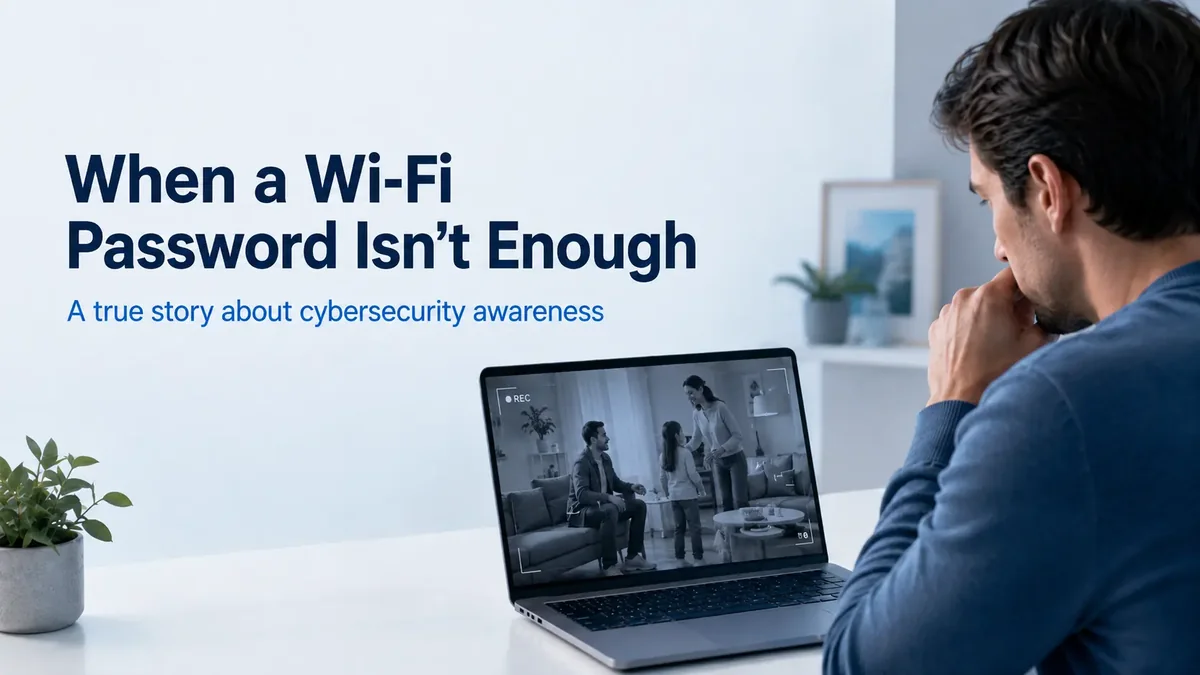
Here is a true story from two days ago that really made me think about what the average person understands about cybersecurity. A man had someone watching his home security cameras for more than a year, and his entire response to it was a new Wi-Fi password. That gap between what happened and what he did about it is the reason I wanted to write this.
What happened at the police station
We were at a local police station filing a minor report about a missing license plate when we overheard a man explaining that someone had hacked into his home security camera system. What caught our attention was how serious the situation appeared to be. According to him, someone had apparently been accessing his network and monitoring his surveillance system for more than a year.
He only became aware of it two days earlier, after the person sent him footage taken directly from his own cameras, including videos showing him and his family in frame multiple times, dating back to early 2025. Think about that for a second. Someone had been watching the cameras inside and around his property for more than a year, and he had no idea.
The answer that stuck with me
While he was waiting to give his statement, we struck up a conversation. I introduced myself and asked him a simple question.
“What have you put in place to stop someone from getting back into your network?”
His response: “I changed my Wi-Fi password.”
That answer stuck with me. Changing your Wi-Fi password after a suspected compromise is absolutely something you should do, but it is not a cybersecurity strategy.
Why a new password is not a strategy
It is a little like discovering someone has been getting into your house and responding by changing the lock on the front door, without closing the windows you leave open, locking the back door you never lock, or looking into how they got inside in the first place. The lock feels like action. It does not answer the question that actually matters, which is how they got in and what else they can still reach.
What was missing from his setup
No network segmentation
Cameras, computers, phones, and work devices all shared one flat network. Anything that reached the cameras could try to reach everything else.
Surveillance gear was not isolated
A camera system is a computer with a lens. When it sits beside your personal devices with no boundary, a weakness in the camera becomes a weakness everywhere.
Unknown remote access
Nobody had checked whether remote viewing, port forwarding, or a manufacturer cloud account was enabled, or who had been using it.
Unverified firmware
Camera and router firmware were never confirmed as current. Old firmware is one of the most common ways these systems get taken over.
Possibly compromised admin credentials
If the attacker had the router or camera admin login, a new Wi-Fi password changes almost nothing. They can simply sign back in and reconfigure it.
No check of other devices
A year is a long time. No one had looked at whether laptops, phones, network storage, or smart home devices had also been touched.
At that point, I realized the police report was only going to be the beginning. The bigger problem was that he did not have a plan to prevent it from happening again. I gave him my contact information and told him that when he had some time, we could go through what actually securing a home network looks like. That is really the reason I wanted to share this story.
Your internet provider gives you internet, not security
Your internet provider gives you internet access. That does not mean your home or business network is properly secured. It is like giving your five year old the keys to your car and telling them to figure it out.
Having Verizon, Spectrum, Optimum, or another ISP and changing your Wi-Fi password occasionally is not the same thing as having a cybersecurity strategy. The router in the corner was built to get you online, and it was configured for convenience, not for defense.
What securing a network actually means
- Know every device connected to your network, including the ones you forgot about
- Isolate cameras, doorbells, and smart home gear from computers and work devices
- Secure administrative access with strong, unique credentials and multi factor authentication
- Keep router, camera, and device firmware patched on a schedule, not when you remember
- Control remote access deliberately instead of leaving whatever the installer enabled
- Monitor for unusual activity so a year of access is not discovered by a stranger sending you video
- Limit what an attacker can reach even if one device does get compromised
None of that is exotic. It is the same thinking we apply to business networks, scaled to a home. If you want the longer version for a business environment, we walk through it in why your router is more valuable to hackers than you think and in our guide to network segmentation for small businesses.
If you think someone has already been in your network
Do these in order, from a device you trust:
- Save the evidence. Keep any messages, footage, or screenshots you received.
- Change router and camera administrator passwords, not just the Wi-Fi password.
- Turn on multi factor authentication anywhere the camera or cloud account supports it.
- Disable remote access and port forwarding until each rule can be reviewed and justified.
- Update firmware on the router, cameras, recorder, and access points.
- Inventory every connected device and remove anything you cannot identify.
- Separate cameras and smart home devices from the network your computers and phones use.
- File the police report, and understand that it documents the incident rather than closing the hole.
Common questions
Is changing my Wi-Fi password enough after a hack?
No. Changing the Wi-Fi password is a reasonable first step, but it does not remove remote access that is already configured, fix outdated firmware, reset compromised administrative credentials, or tell you which other devices were reached. If someone had access to your network for an extended period, the password is only one of the doors they may have used.
How can someone watch my security cameras without me knowing?
Most home camera systems are reachable in some way from the internet, either through a manufacturer cloud account, a port forwarded on the router, or a remote access feature enabled during installation. If the account password is weak or reused, the firmware is outdated, or remote access was left open, an attacker can view live and recorded footage quietly. Camera systems rarely alert the owner about who is viewing them.
Should security cameras be on a separate network?
Yes. Cameras, doorbells, thermostats, and similar devices should sit on a segmented network that cannot reach computers, phones, network storage, or work devices. Segmentation does not stop every attack, but it limits how far an attacker can move if one device is compromised.
What should I do first if I think my home network was accessed?
Preserve any evidence such as messages or footage you received, then change administrative passwords on the router and camera accounts from a device you trust, enable multi factor authentication where it is offered, disable remote access until it can be reviewed, update firmware, and inventory every device connected to the network. Filing a police report is worth doing, but it does not secure the network.
Does my internet provider secure my home network?
No. Verizon, Spectrum, Optimum, and other providers deliver internet access and typically supply a basic router. They do not manage your device inventory, segmentation, firmware, remote access rules, or monitoring. Those are your responsibility unless someone is managing the network for you.
Most people do not think about any of this until something happens. Unfortunately, sometimes that lesson comes after someone has already been watching. If you are not sure whether your home or business network is actually protected, that uncertainty is probably worth investigating. Stay safe out there.
Not sure what is actually on your network?
We will walk through your devices, your cameras, your remote access, and what an attacker could reach today. No pressure and no jargon.
You can also read more about our Managed Home IT service or cybersecurity services for businesses.
About the Author
Adam Gross
CEO & Founder
IT Management Solutions expert sharing insights on technology best practices for small businesses.